
How to connect and monitor your Premium PSU equipment via RS232 port
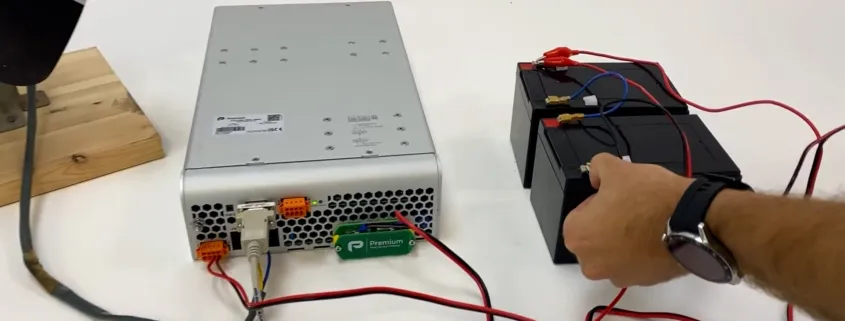
Do you want to monitor and adjust your Premium PSU equipment’s settings easily? One of the quickest and most practical ways to do this is through the RS232 port. It’s a classic connection, but very useful, allowing you to communicate directly with your PC.
In this article, you’ll find everything you need in one place: a step-by-step guide, an explanatory video, and recommended free software. This way, you can resolve your questions quickly and start using this feature without complications.
What is RS232 and what is it for?
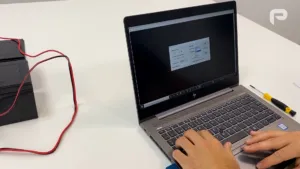
The RS232 port is a serial communication standard that allows you to connect your Premium equipment to a PC to:
- See in real time how your equipment is performing
- Adjust key settings according to your application’s needs
- Make maintenance easier and preventive, helping to extend the equipment’s lifespan
It’s a practical tool to have more control and peace of mind over your setup.
Step-by-step guide
Connecting this type of equipment for the first time can raise questions: which cable should I use, how do I configure it, what if my PC doesn’t recognize the port?
We’ve prepared a simple guide to help you:
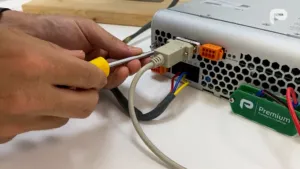
- Physically connect your equipment via the RS232 port
- Configure communication on your PC
- Access the settings and start monitoring without complications
Download the guide here
Video tutorial
Prefer to see it in action? We’ve prepared a video tutorial showing step by step how to configure and monitor a Premium PSU inverter via RS232. You’ll see it’s easier than it seems:
Recommended software: Tera Term
To establish communication, you’ll need a program that acts as a terminal emulator. We recommend Tera Term, which is free, lightweight, and easy to use.
Download Tera Term here
Have questions? We’re here to help
With this guide, video, and recommended software, you have everything you need to communicate with your Premium PSU equipment via RS232. If something doesn’t work as expected or you have questions along the way, don’t worry, contact us and we’ll guide you step by step.